Tech notes, plain English
How Undress AI Works Under the Hood
An undress AI tool does not see through fabric. It runs a chain of models: one finds the person and the clothing, one repaints the masked area, one cleans up the edges. We explain each stage in plain terms, then show how Clothoff turns that pipeline into an upload-and-wait web app for adults.
What This Guide Covers
Reader notes
What Readers Took Away
How readers used the explainer to read their results and shoot better source photos.
I kept blaming the app for warped hands. Now I shoot with my arms clear of the body, and the masks come out much cleaner.
Michael B.
Hobby photographer
The latency section explained my slow evenings: it is a GPU queue, not my connection. Short, technical and honest about what the output actually is.
Chris P.
Backend developer
I wanted to know why every run looks a little different. The part on seeds made it click, and the consent rules are clear without lecturing.
Lisa V.
Graphic designer
Three Models Behind Every Undress AI Result
Most apps in this category share the same three stages.
Segmentation Finds the Clothing
A human-parsing network labels every pixel as hair, face, arms, upper clothes or pants. Clothing labels merge into one mask, and its quality caps everything that follows.
Output: a per-pixel mask
Inpainting Repaints the Mask
A latent diffusion model regenerates only the masked area, denoising from pure noise step by step. Visible pixels, pose and a text prompt guide it, so light and skin tone match the frame.
Output: new pixels inside the mask
Refinement Hides the Edges
The new region is decoded, blended in through a feathered edge, color-matched and upscaled. This stage decides between a visible halo and a clean transition.
Output: a full-resolution image
On a photo you own, this undress AI tool runs all three stages behind one upload button, the quickest way to see this page in practice.
What a Good Source Photo Looks Like
Segmentation and inpainting only work with what the camera captured. These AI-generated portraits of fictional adult models show the input qualities behind clean results.
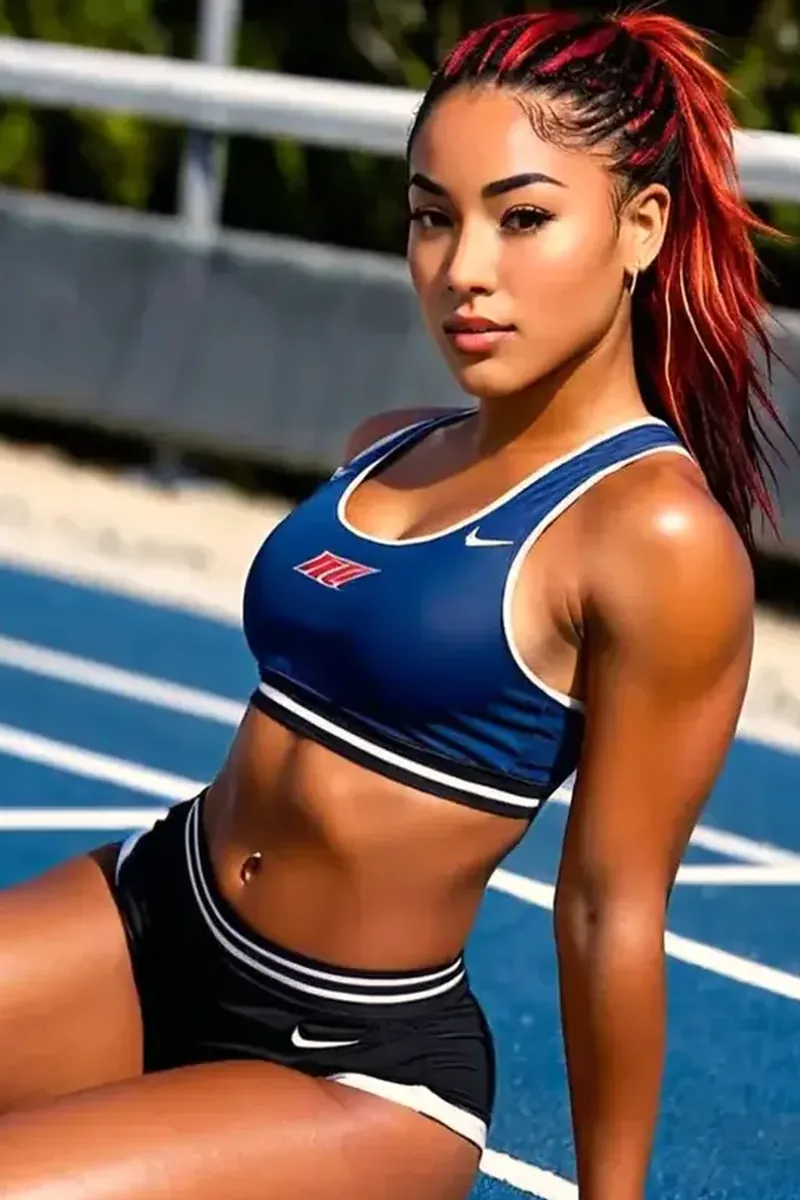


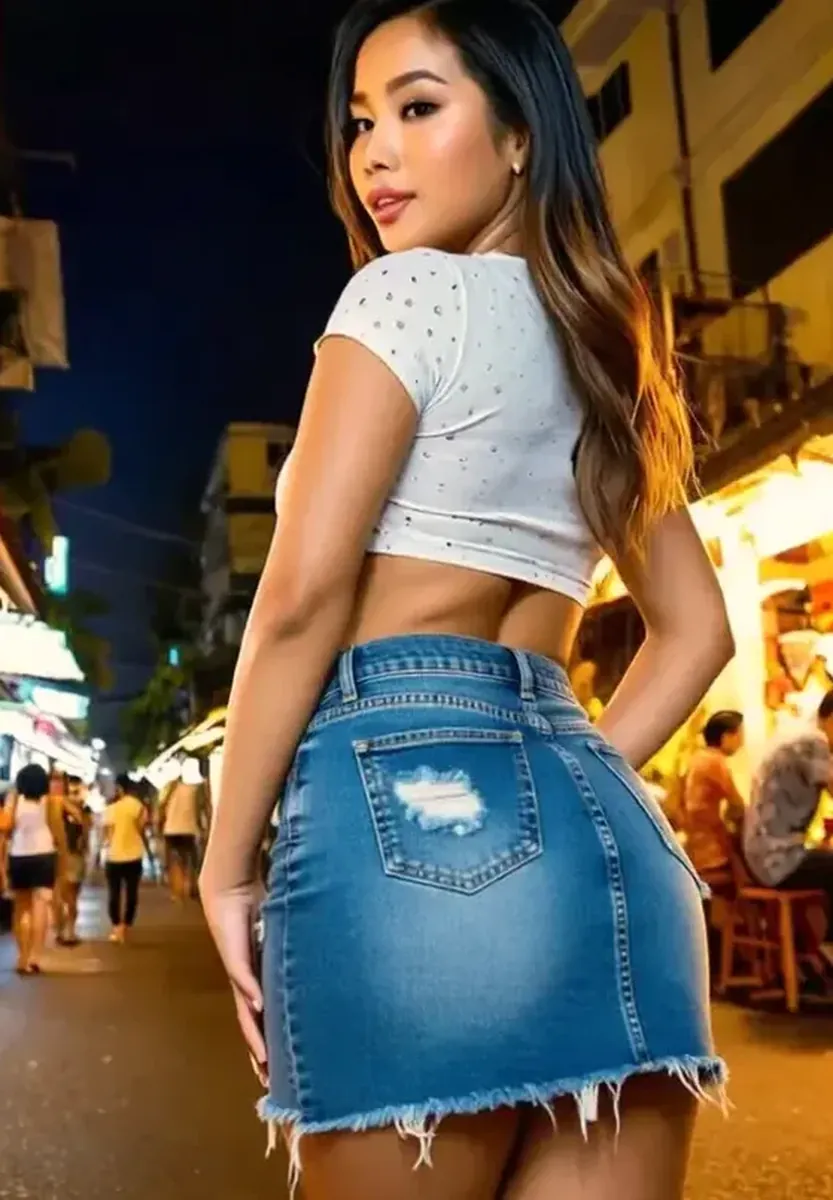
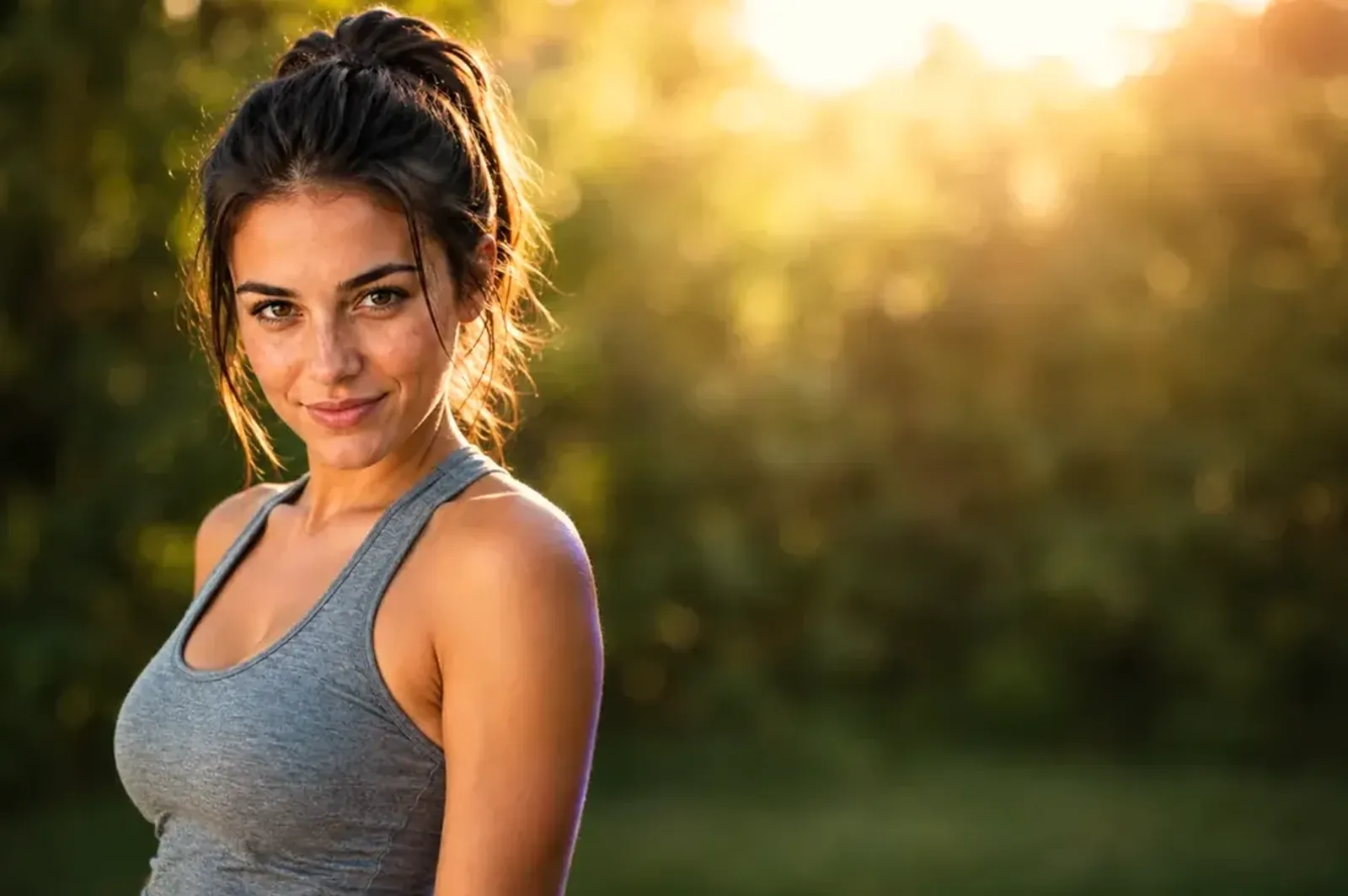
What stuck with me: the model never sees under anything. It predicts what could be there from pose and light, so a better source photo gives a better guess.

What Happens After You Press Upload
A typical request passes four stages on a GPU server. Knowing them makes odd results easier to read.
Decode, Rotate and Resize
The server decodes the JPEG or PNG, applies EXIF rotation and resizes to the working size of the model, often 768 or 1024 px. A detector checks for one clear subject; group shots often fail here.
Build the Clothing Mask
Human parsing returns a label map. Garment classes become a mask, dilated a few pixels past the fabric edge and feathered so the repainted area overlaps the boundary.
Denoise Inside the Latent Space
The image is encoded into a compact latent, the masked part is replaced with noise and denoised over 20 to 40 steps. Pose or depth conditioning keeps proportions aligned with the original.
Decode, Blend and Upscale
The latent is decoded to pixels, pasted into the original through the soft mask, color-corrected and upscaled. The retention policy of the service decides how long a copy stays on the server.
Why Every Result Is a Synthetic Guess
Most marketing skips this part, yet it explains the artifacts you will see.

Nothing is recovered
Pixels Under Fabric Do Not Exist
A photo stores only the light that reached the sensor. What the fabric covered was never recorded, so no model can restore it; the output is invented from training data.
Key idea
Sampling, not memory
Same Photo, Different Seed
Diffusion starts from random noise. A new seed gives a different, equally plausible answer, which is why apps offer a regenerate button. No version is truer than another.
Seeds
Typical artifacts
Artifacts Worth Checking First
Check hands, hair crossing the body, jewelry, straps and the mask border. Warped fingers, leftover fabric, a halo at the edge or skin tone drifting from the face are typical.
Quality checkCompute, Latency and What You Pay For
Generation costs far more than a normal web request. Three things follow.
Why Results Take Seconds
Each denoising step is a full pass through a network with hundreds of millions to billions of parameters. Multiply by steps and resolution, add a queue at busy hours, and waits run to seconds, not milliseconds.
Why Apps Sell Credits
Every generation burns paid GPU time, so services meter usage: free trial credits, then credit packs or a subscription. Prices change often, so check the current pricing page.
What a Consumer App Adds
Clothoff AI packages the pipeline for adults who do not want to run models locally: browser-based, no install, upload a photo, choose a mode and get a result in seconds.
Short Answers to Common Questions
Quick answers to what readers ask most.
How does undress AI work, in short?
Three steps. A segmentation model finds the person and builds a mask over the clothing. A diffusion model repaints that masked region from noise, guided by pose, light and the visible pixels. A refinement stage blends the edges and upscales the image.
Is an AI undress image a real photo?
No, it is a synthetic image. The original never recorded what the clothing covered, so the model generates a plausible version from its training data. Two runs on one photo differ, and neither one shows the actual person.
Is nudify AI a different technology?
Usually not. Nudify AI, AI undress and clothes remover are marketing labels for the same pipeline. The real differences are mask quality, the inpainting model, resolution and privacy terms, so compare those when you test an AI clothes remover.
Which photos are fine to upload?
Adults only (18+). Use photos of yourself, AI-generated fictional models or adults who gave clear consent, never pictures taken from social media. Sharing intimate images without consent is illegal in many countries, including under the US TAKE IT DOWN Act (2025) and the UK Online Safety Act.
Why do hands and hair go wrong?
They are thin, overlapping structures. The parser struggles to decide where fingers or loose strands end and fabric begins, and the inpainting model fills that unclear border. Hands away from the body and hair behind the shoulders avoid most of it.
What happens to the photos I upload?
It depends on the service, so read its privacy policy first and look for a retention period and a delete option. If an intimate image of you is shared without consent, StopNCII.org lets adults create hashes so participating platforms can block it.